01
Define the Problem Your Part Must Solve
A display model and a device mount need different information. Identify visible surfaces for appearance samples; for ABS enclosures, mark interfaces, holes and mating components. For fixtures, describe clamping, load direction and usage frequency. Adding the intended use to the model helps reduce revisions.
- Enclosures: identify interfaces, mounting posts, lids, and assembly order.
- Jigs and fixtures: describe locating surfaces, clamping, and actual use.
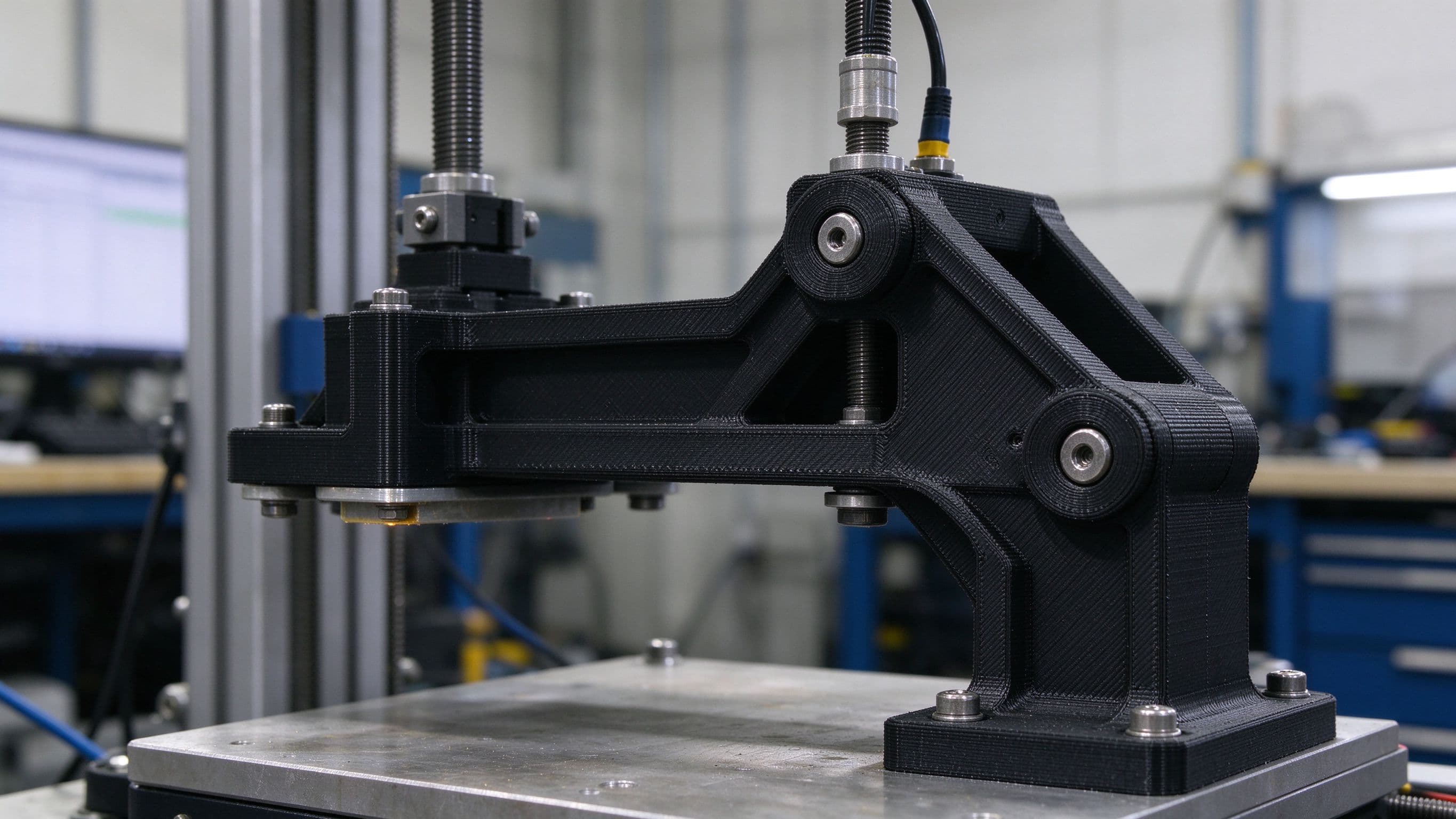
- Industrial parts: mark critical dimensions and distinguish validation samples from end-use parts.
02
Choose Materials for the Operating Conditions
PLA can be considered for visual prototypes, display models and figurine accessories. For enclosures and functional prototypes, compare PETG and ABS against the environment, wall thickness and fit requirements. Carbon fiber nylon printing involves more than a material change: PA6-CF printing also needs load direction, assembly position and validation conditions. Material names alone do not establish whole-part performance.
03
For Props & Figurines, Consider Appearance and Assembly Together
Cosplay prop 3D printing requires consideration of scale, connections and transport. For cosplay helmet printing, specify headroom, units and assembly. Models beyond the automatic quote range or requiring splits receive an engineering review; a render alone is not a production commitment.
Custom figurine bases need stable placement, connection holes and suitable display dimensions. Figurine accessories need clear mating requirements. FDM can be evaluated for larger models, bases and some accessories. Parts retain layer lines, so fine facial features and demanding surfaces need a suitability review.
Share the intended appearance and any plans for further finishing. The production scope follows the requirements confirmed by both parties.
04
Check These Four Things Before Uploading
Upload an STL, STEP, STP or 3MF file, specify material, quantity, use and critical dimensions, then view an estimate in the existing online 3D printing quote system. Assembly, appearance and scope still need confirmation. Complex models and special requirements receive a review before the order proceeds.
- Confirm the file version and units. Do not mix old versions into the request.
- Specify material, color, quantity, and critical dimensions that must not change.
- Add notes or reference images for holes, threads, snap-fits, and visible surfaces.
- If parts must fit together, explain their assembly relationship.
Frequently Asked Questions
Clarify Your Requirements Before Requesting a Quote
How Do I Confirm the Requirements for My First Make3D Order?
Upload the actual model and review the material, quantity, cost and estimated delivery information. Confirm uncertain dimensions, appearance or process requirements with an engineer before production. Members can continue the discussion in their order and provide invoice details when needed. Payment and production status follow the order record.
Is 3D printing priced by weight or time?
Model geometry, material, quantity, and print time affect the estimate. Upload an STL, STEP, STP, or 3MF in the quote system to see the estimate for your request. Special processes and complex structures need review. Images, file size, or a simple per-gram rate cannot determine the final price alone.
Can I get an automatic quote without a model?
Automatic quoting requires a readable model. If you need modeling or structural changes, submit a model editing or development request for review. Do not substitute an unrelated model for the actual requirements.
Are Estimated Prices and Delivery Times Guaranteed?
Standard models can receive system estimates, but complex structures, special processes, and production schedules still require confirmation. State your target date and intended use. An estimate is not an unconditional delivery commitment.